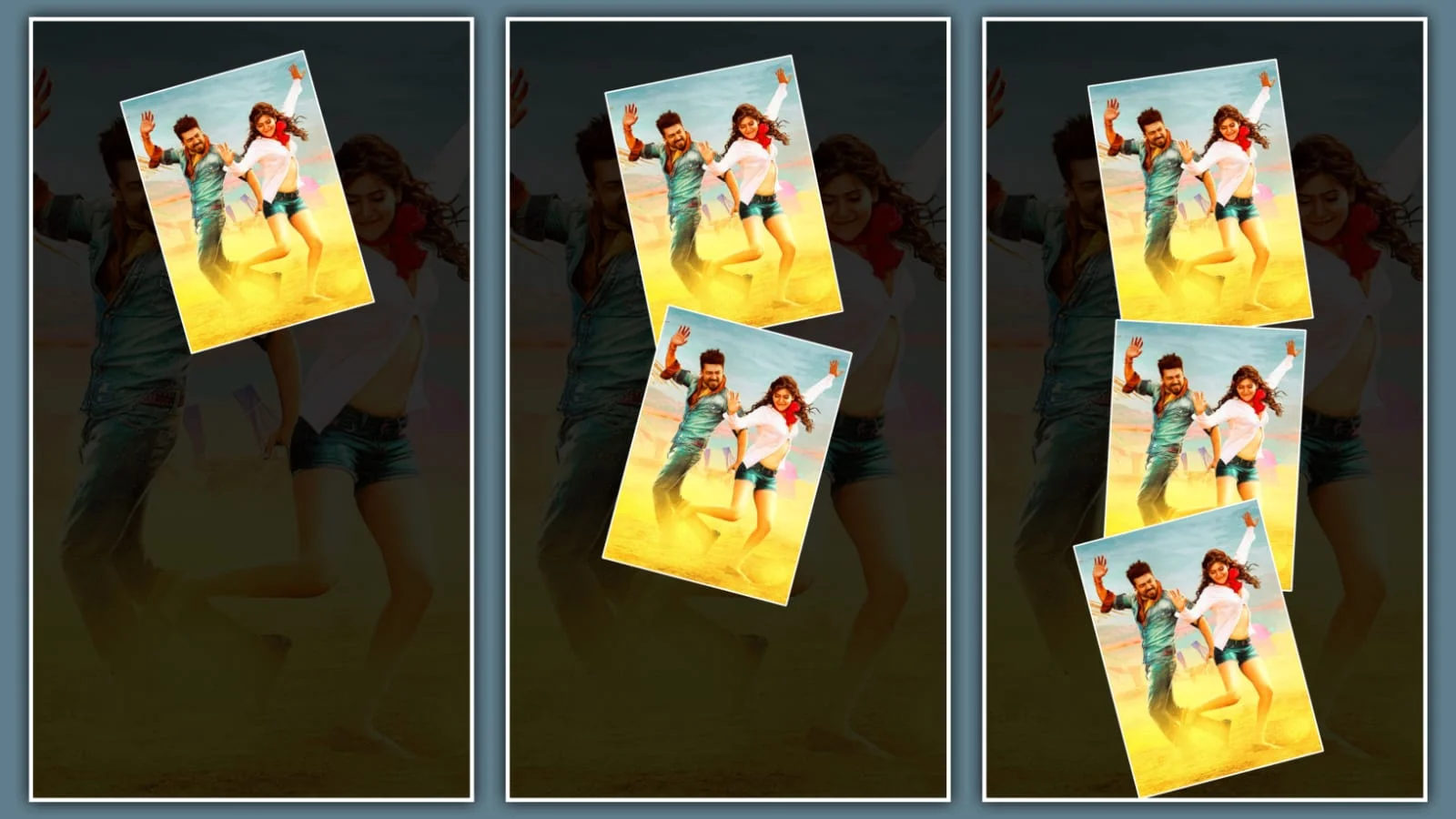
Want to create eye-catching karuppu title card edit videos that go viral on Instagram and YouTube? You’re in the right place! This trending edit style, inspired by Suriya’s upcoming movie “Karuppu” directed by RJ Balaji, has taken social media by storm. Think of it like adding a movie poster’s opening scene to your personal videos – it gives your content that professional, cinematic feel that makes viewers stop scrolling. Whether you’re a beginner or an experienced editor, you’ll learn exactly how to nail this trending style using simple mobile apps like Alight Motion and CapCut. Let’s dive into everything you need to know about mastering the karuppu title card edit and making your content stand out from the crowd.
Why the Karuppu Title Card Edit Is Trending Right Now
The karuppu title card edit exploded in popularity because it perfectly blends dramatic visuals with smooth animations that grab attention instantly. This edit style features bold typography, dark cinematic tones, and dynamic transitions that mirror the movie’s intense theme – think of it as turning your ordinary video into a blockbuster trailer. What makes it for Instagram Reels and YouTube Shorts is its short, punchy format (usually 3-5 seconds) that hooks viewers in the first frame. Edits like the CM Vijay version and Suriya-centric versions have garnered millions of views, proving that fans love personalizekaruppu title card edit content featuring their favorite stars. The trend works because it’s customizable – you can swap in any photo, add your own name, and still keep that professional movie-title aesthetic. Plus, with pre-made project files available online, you don’t need to start from scratch, making it accessible even if you’re new to video editing.
What Makes a Karuppu Title Card Edit Stand Out
Great karuppu title card edit videos share specific elements that make them pop. First, they use around 15 layered images with smooth transitions – think of it like flipping through comic book pages at high speed. The blending mode matters hugely; using “Soft Overlay” or “Overlay” at reduced opacity creates that dreamy, cinematic texture. You’ll notice bold, condensed fonts (usually under 6 letters for maximum impact) that shine against dark backgrounds. The magic happens when you add textures – search for “red texture” or “grunge texture” in preset libraries to give your edit that gritty, film-like quality. Velocity effects and keyframe animations make text appear to move with purpose, not just slide mechanically. Finally, the right music choice – typically intense, bass-heavy tracks – completes the atmosphere. When all these elements combine properly, your karuppu title card edit looks like it cost thousands to produce, when actually you made it on your phone in under an hour.
Best Apps for Creating Karuppu Title Card Edit Videos
You don’t need expensive software to master karuppu title card edit – powerful mobile apps do the job perfectly. Alight Motion tops the list because it handles 70+ layers smoothly and offers precise keyframe control for animations. Many creators share ready-to-use project files you can import, then simply swap photos and text. CapCut is another excellent choice, especially for beginners, with its intuitive interface and built-in trending effects. Both apps support blending modes, texture overlays, and velocity curves essential for karuppu title card edit creation. For desktop users, Photoshop 2025 works great for designing static title cards before importing them into video editors. The key is picking one app and mastering its features rather than jumping between multiple tools. Most tutorials online specifically teach Alight Motion techniques since it dominates the Tamil and Telugu editing community for this trend. Download the app, search for “karuppu title project file,” and you’ll find templates that walk you through the entire process step-by-step.
Where to Find Karuppu Title Card Edit Project Files
Saving hours of work is easy because creators generously share karuppu title card edit project files online. The most reliable source is the Alight Creative community, where you’ll find full project links like the trending intro template with 70 layers. XML files are also available on Google Drive, letting you import complete projects directly into Alight Motion. Telegram channels dedicated to video editing regularly post updated project files with download links. YouTube video descriptions often contain direct links – just look for phrases like “Full Project” or “Project File” under trending karuppu title card edit tutorials. Some creators even provide separate song files and texture packs so you have everything needed in one place. When downloading, always check that files are from trusted sources to avoid malware. Once you import a project, you’ll see exactly how professional editors structure layers, apply animations, and time effects – it’s like having a free masterclass in karuppu title card edit creation.
Step-by-Step Guide to Making Your First Karuppu Title Card Edit
Ready to create your own karuppu title card edit? Follow these simple steps. First, open your chosen app (Alight Motion recommended) and import the project file or start fresh. Add a short intro video (3 seconds) – you can create one using AI tools like Gemini or Meta AI by converting your photo into video. Next, replace the default name text with your own, keeping it under 6 letters for best results. Import 15 images (7 on each side, 1 in center) and apply smooth zoom animations to each. Select each image, go to Blending Mode, and choose “Overlay” or “Soft Overlay” with 60-70% opacity for that cinematic texture. Add keyframes to make text appear gradually, not instantly. Search preset libraries for “red texture” or “grunge” overlays to enhance visual depth. Finally, export in 1080p at 60fps for crisp quality. The entire process takes 30-60 minutes once you understand the workflow. Watch your karuppu title card edit come to life as layers animate smoothly, creating that professional movie-trailer vibe that makes viewers hit replay.
Common Mistakes to Avoid in Karuppu Title Card Edit
Even experienced editors slip up when creating karuppu title card edit videos. The biggest mistake is using too many letters in your text – stick to 3-6 characters maximum, or the animation looks cluttered. Another error is skipping texture overlays, which makes your edit look flat and amateur compared to viral versions. Don’t set blending mode opacity too high; 60-70% creates the perfect balance between visibility and atmosphere. Avoid using generic fonts – search for condensed, bold typefaces that match movie-title aesthetics. Many beginners also forget to add keyframe animations, making text appear statically instead of flowing smoothly. Never export at low resolution; 1080p minimum ensures your karuppu title card edit looks crisp on all devices. Finally, don’t copy exact music without checking copyright – use royalty-free tracks or official song links provided in project files. Avoiding these mistakes ensures your edit stands out professional rather than looking like a random attempt at the trend.
Tips to Make Your Karuppu Title Card Edit Go Viral
Taking your karuppu title card edit from good to viral requires strategic choices. Post during peak hours (7-9 PM IST) when Instagram and YouTube algorithms push content to audiences. Use trending hashtags like #KaruppuTitleCard, #AlightMotion, #TamilEdit, #MassEdit, and #ViralEdit to reach the right community. Tag the original movie’s official accounts and popular edit creators – they often reshare quality fan content. Keep your edit under 5 seconds since shorter videos get higher completion rates, which signals quality to algorithms. Add a strong hook in the first frame so viewers don’t scroll past. Engage with comments within the first hour – this boosts engagement metrics that algorithms love. Cross-post to YouTube Shorts, Instagram Reels, and TikTok simultaneously for maximum reach. When creating karuppu title card edit featuring popular stars like Suriya or Vijay, mention them in captions – fan communities actively search for star-specific content. Consistency matters too; post 2-3 edits weekly to build momentum. Following these tips dramatically increases your chances of hitting the Explore page and gaining thousands of views quickly.
How to Customize Karuppu Title Card Edit for Your Brand
Making karuppu title card edit uniquely yours while keeping it recognizable is key to building a personal brand. Start by creating a signature color palette – maybe your brand uses blue instead of the typical red/black scheme. Develop a consistent text style: always use the same font family, animation speed, and blending mode settings so viewers instantly recognize your work. Add your logo or watermark subtly in a corner without distracting from the main animation. Create template variations for different content types – one for movie edits, another for personal photos, a third for promotional content. When you switch names in the project, maintain the same letter count for consistent timing. Use your brand’s signature music style – if you always pick intense bass tracks, keep that pattern. Document your karuppu title card edit process in behind-the-scenes content, which builds follower loyalty. Share project files occasionally as freebies to grow your Telegram or Instagram following. The goal is making your edits so distinctive that viewers think “This must be [Your Name]’s work” before even checking the username. This brand recognition turns casual viewers into loyal followers who anticipate your next karuppu title card edit release.
Final Thoughts on Mastering Karuppu Title Card Edit
Mastering karuppu title card edit opens doors to creating professional-quality content without expensive equipment or software. The learning curve is gentle – start with pre-made project files, experiment with textures and animations, then gradually create original designs. Remember that every expert editor started exactly where you are now, copying trends before finding their unique style. The karuppu title card edit trend won’t disappear overnight because it taps into fundamental principles of cinematic storytelling that always work. Whether you edit for fun, build a portfolio, or grow a social media following, these skills transfer to other editing styles too. Keep practicing, study trending edits critically, and don’t fear making mistakes – they’re your best teachers. Your next karuppu title card edit could be the one that hits 100K views and changes everything. Start today, share your work proudly, and join the vibrant community of creators pushing mobile editing boundaries every single day.