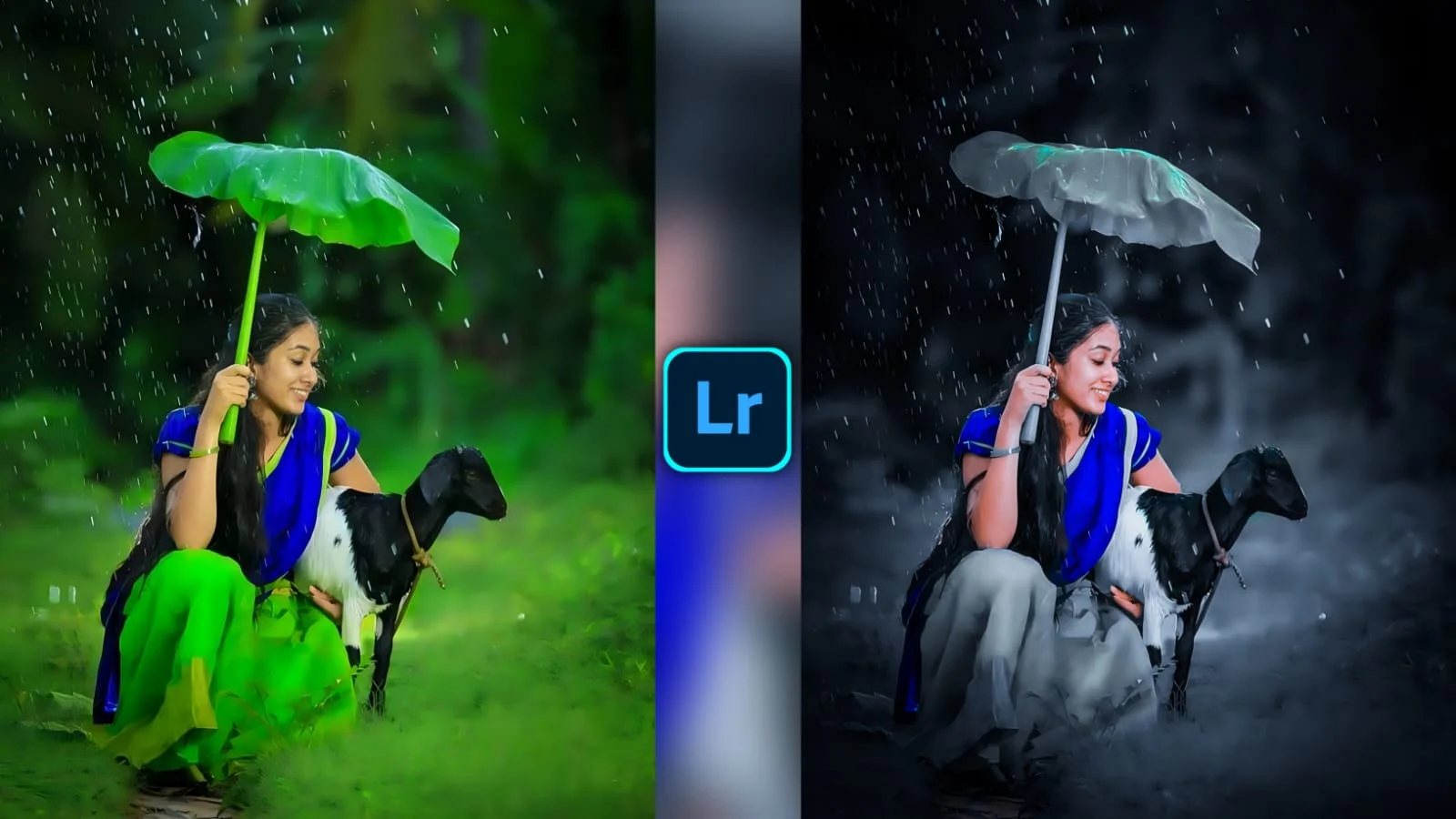
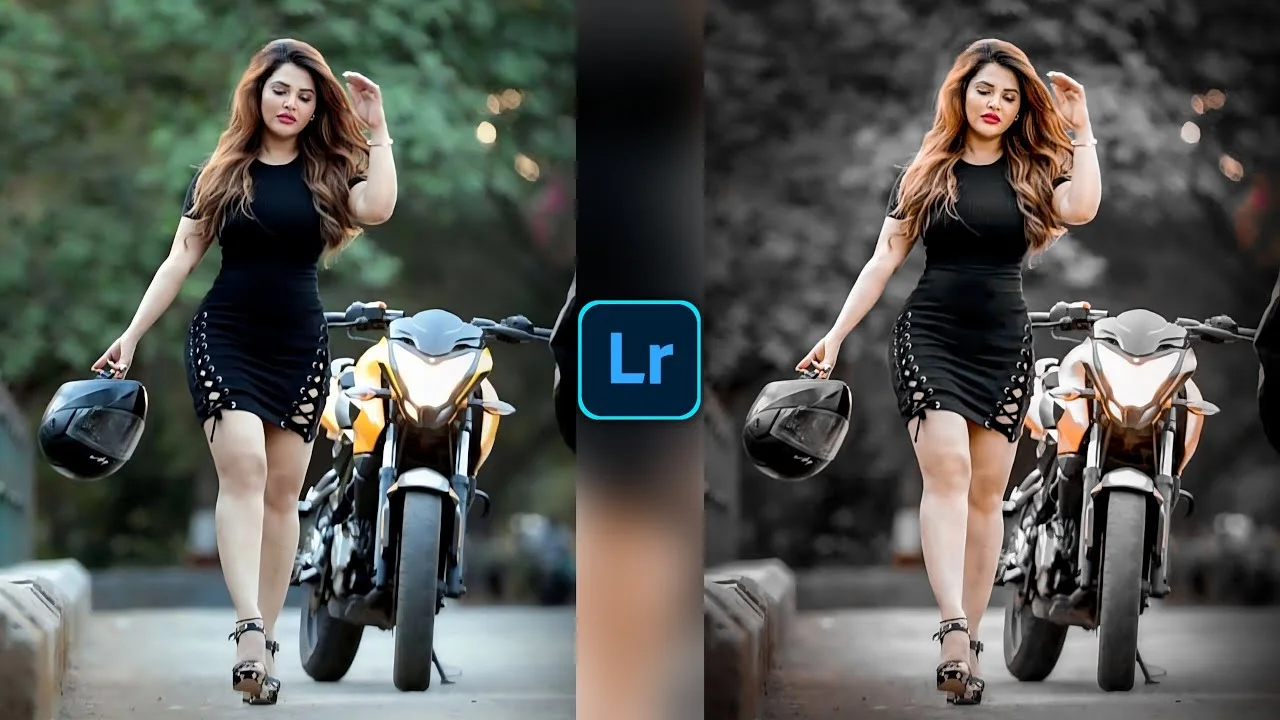
Lightroom is one of the easiest ways to turn dull photos into clean, polished visuals without making the process feel like rocket science. If you create content, manage social media, or edit photos for clients, Lightroom can save time, improve quality, and keep your workflow smooth like a well-oiled machine.
What Lightroom Does
Lightroom helps you organize, edit, and export photos in one place, so you do not need to jump between different apps every five minutes. It works well for beginners because the tools feel familiar, but it also gives advanced users enough control to fine-tune color, light, and detail. Think of it like a digital photo desk where everything stays neatly arranged. That makes it easier to handle big batches of images, especially when you need consistency across a blog, Instagram feed, or client gallery.
Why Lightroom Matters
Lightroom matters because it cuts the chaos out of photo editing and turns a messy folder of images into a clean production line. Instead of editing each image from scratch, you can apply presets, copy settings, and move faster while keeping your style consistent. Good images also make posts look more trustworthy, which can keep visitors engaged longer.
Lightroom for creators
For creators, Lightroom is like a toolbox and a shortcut lane at the same time. You can fix exposure, sharpen details, improve colors, and make skin tones look natural without overdoing it. That balance matters because readers notice when photos look fake or over-processed. Strong visuals can make your content feel more professional and easier to share.
Lightroom for businesses
Businesses use Lightroom to make product photos, ads, and social posts look clean and consistent. A consistent visual style acts like a brand handshake: simple, recognizable, and memorable. When every image follows the same tone, people start recognizing your brand faster. That can help campaigns look more organized and more polished across websites and social platforms.
How Lightroom Speeds Up Work
Lightroom speeds up work because it lets you handle many images in batches instead of editing them one by one. You can import photos, sort the keepers, apply adjustments, and export everything in a smoother sequence. This is especially useful when you have a deadline breathing down your neck. Instead of wrestling with each file, you move through the job like an assembly line with creative control.
Batch editing power
Batch editing is one of the biggest reasons people love Lightroom. If you edit one photo nicely, you can copy those settings to the rest of the set and keep the look uniform. That saves time and reduces mistakes. It also helps you build a signature style that viewers can recognize instantly.
Useful Editing Features
Lightroom gives you tools for exposure, contrast, color correction, cropping, and detail enhancement, all in a clean interface. You do not need to be a design expert to get good results. Small changes can make a photo look far more professional, just like cleaning a window lets more light into a room. The real strength of Lightroom is control without confusion, which is why so many creators keep coming back to it.
Presets and profiles
Presets in Lightroom work like recipe cards for your edits. Once you create a look you like, you can save it and apply it again to new photos. This is perfect when you want a consistent aesthetic across a blog post, portfolio, or social feed. It also reduces decision fatigue, which is a real time-saver when you edit every day.
Best Workflow Tips
A smart Lightroom workflow usually starts with importing, then sorting, then editing, and finally exporting the final images. Keep your folders tidy and your naming system simple so you do not waste time searching later. Use ratings or flags to pick the best images first. Then apply your main edits, check the results, and make small tweaks before export. That simple rhythm keeps the process fast, clean, and less stressful.
Keep edits natural
The best Lightroom edits usually feel invisible, not flashy. Viewers should notice the photo, not the software tricks behind it. Aim for clarity, balance, and a natural mood. When in doubt, remove a little more than you add.